In April, Anthropic shipped something genuinely clever in Claude Cowork: live artifacts. Instead of a one-time output, Claude builds a persistent dashboard that re-queries your connected apps every time you open it. Your tracker, your pipeline view, your KPI page, always showing today instead of the day it was built.
I use them. They are good. And then I tried to send one to someone outside my team, and learned where the walls are.
The walls
Three of them, all documented in Anthropic's help center, none of them obvious until you hit them:
- Desktop app only. Live artifacts exist in Claude Desktop. They do not appear on web or mobile, and they live on your computer: switch devices and they do not come with you.
- Sharing is Team and Enterprise only, inside your org. On Pro and Max, live artifacts cannot be shared or published at all. There is no link you can send a client, on any plan.
- Viewers bring their own data.A shared artifact uses the viewer's access, not yours. If your teammate does not have the analytics connector, your revenue dashboard is empty for them.
For personal use inside one company, those constraints are reasonable, even privacy-smart. But take the most ordinary agency scenario: a live campaign performance dashboard for a client. The client is not in your org, does not have a Claude seat, will open it on a phone between meetings, and definitely does not have connector access to your ad accounts. Every one of those breaks a Cowork live artifact. It cannot make the trip.
The other way to make an artifact live
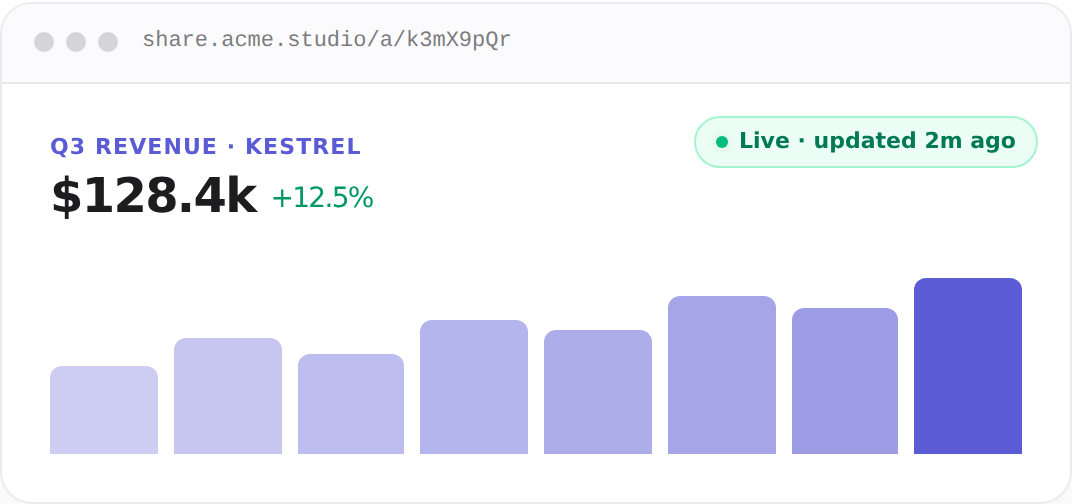
Flip the model. Instead of the page querying data when a viewer opens it, have Claude push a fresh version of the page to a fixed link on a schedule. The viewer's side stays dumb on purpose: a plain URL, in any browser, with the data already baked in.
That is what I run on commentable, and the whole setup is two steps:
- Ask Claude to publish the dashboard as a commentable link, through the Claude connector. You get one private, encrypted URL with your logo and, on Pro, your own domain.
- Create a Claude scheduled task (or a Claude Code routine): fetch the latest numbers, rebuild the complete HTML, and update the same commentable link. Daily, weekly, hourly, whatever the data deserves.
Claude runs the task, rebuilds the page, and updates the link in place. Whoever holds the URL always opens the current version. Version history keeps every revision, and pinned comments survive each refresh.
Side by side, honestly
These are different tools for different audiences, so here is the fair version of the comparison. Cowork wins on freshness for yourself: it queries at the moment of opening, while a commentable link is only as fresh as your task cadence. Everything about the audience goes the other way.
The row that decides it for me is the viewer's side. A Cowork artifact asks the viewer to have a Claude seat, the desktop app, and their own access to the data. A commentable link asks the viewer to have a browser. When the audience is a client, that is the entire decision.
What the feedback loop adds
There is a bonus that Cowork does not attempt: the people opening your link can pin comments directly on the elements they are reacting to, without creating an account. And Claude does not need you to ferry that feedback back to it. Through the connector, you just say "read the feedback on my link" and Claude pulls every open comment itself — each one tied to the exact element it points at — fixes the page, and updates the same URL.
Take it one step further and put that instruction on a schedule, and you get something I have not seen anywhere else: a page that fixes itself from client feedback. Reviewers pin comments during the day; the next morning the task runs, Claude reads what is open, applies the changes, and ships them to the same link. The artifact is not just live — it listens, and it acts.
Setting it up
If you want to try it: connect commentable to Claude once (two minutes, any paid or free plan), publish any HTML page by saying "create a commentable link", then hand Claude the refresh prompt from the LIVE artifacts pageas a scheduled task. The one rule: the link's #key= fragment is its decryption key, so paste the full link only into your own task, never anywhere public.
One link, alive, that anyone can open. That is the version of live artifacts I wanted all along.